
Spaces
Declutter & organize your workspace on macOS in one single click 🎊
Some of our users that feel productive when using the app

What is it?
Problem
Desktop clutter is a serious problem on macOS. It's so bad that we've all accepted it as the norm. Having so many windows & apps open make it impossible to navigate & get your work done.
Solution
In one click, you can clutter free and organize your workspace for any situation.
How it works?
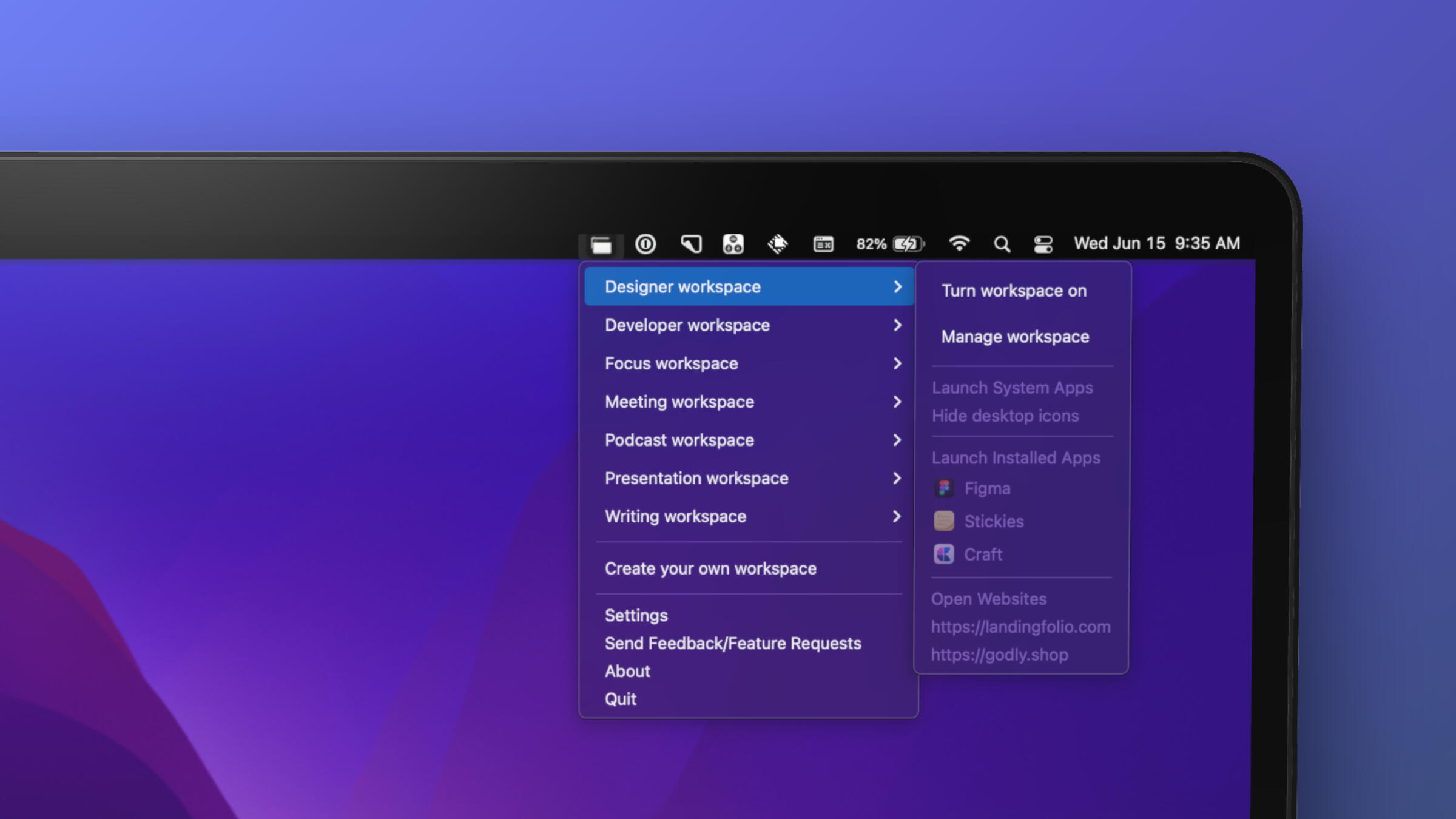
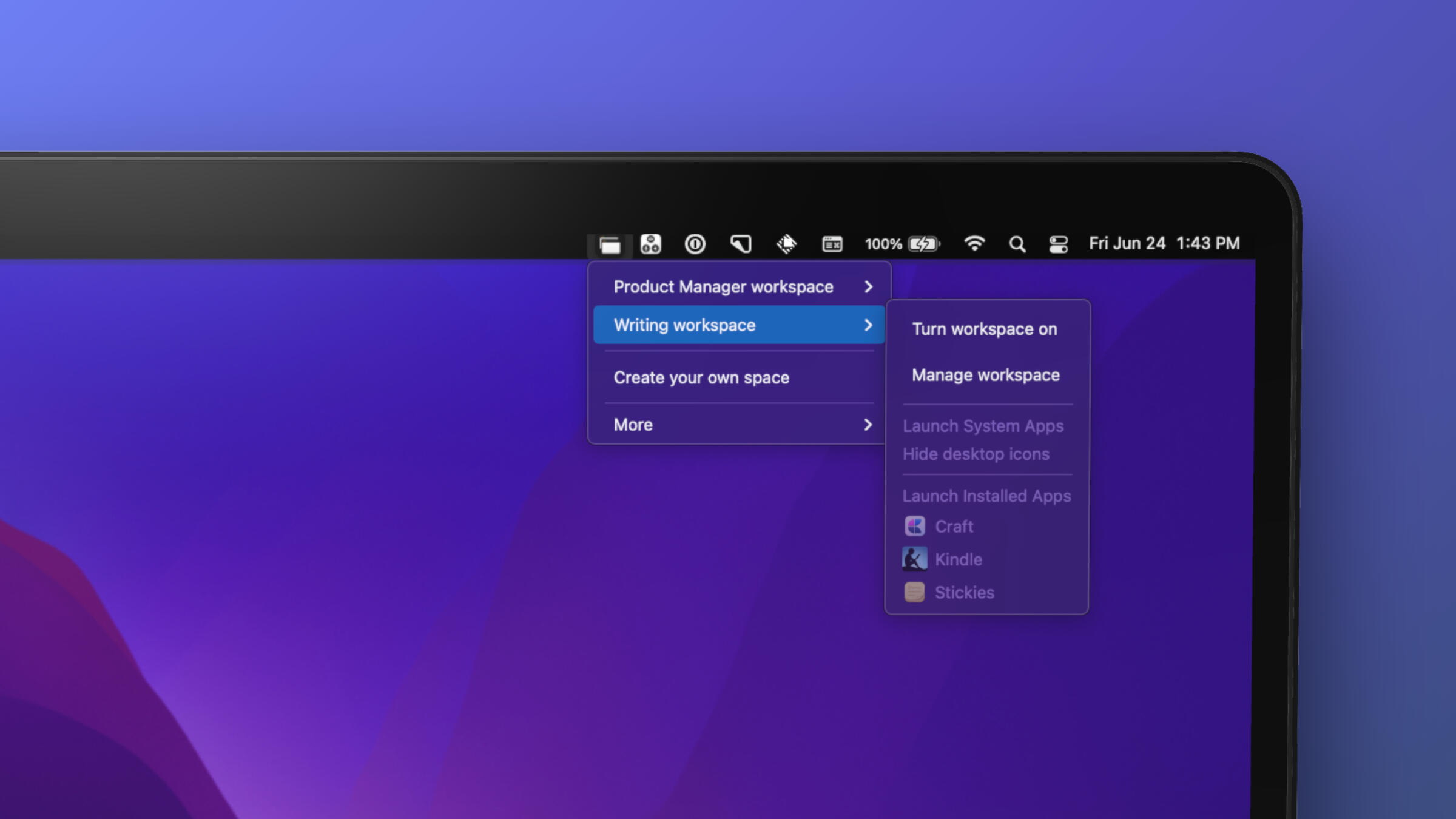
Spaces comes with two modes - Workspaces & Launcher
Use "Spaces" as Workspaces
It clean up your workspace before launching the new set of apps and websites that you needed on the space.
Use "Spaces" as Launcher
It just opens a new set of apps and websites on your space.
*Currently we do not support multiple screens/desktops.
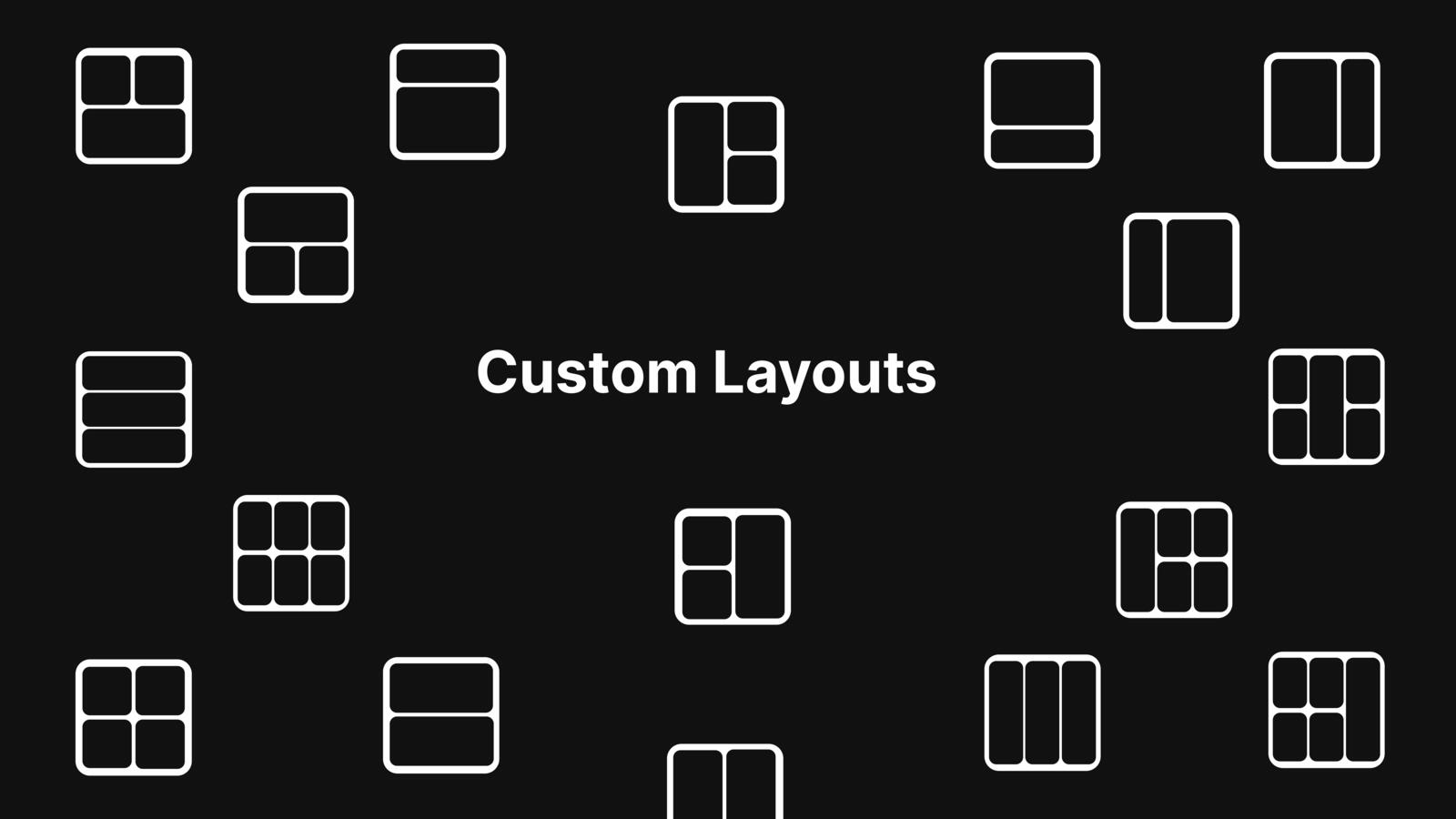
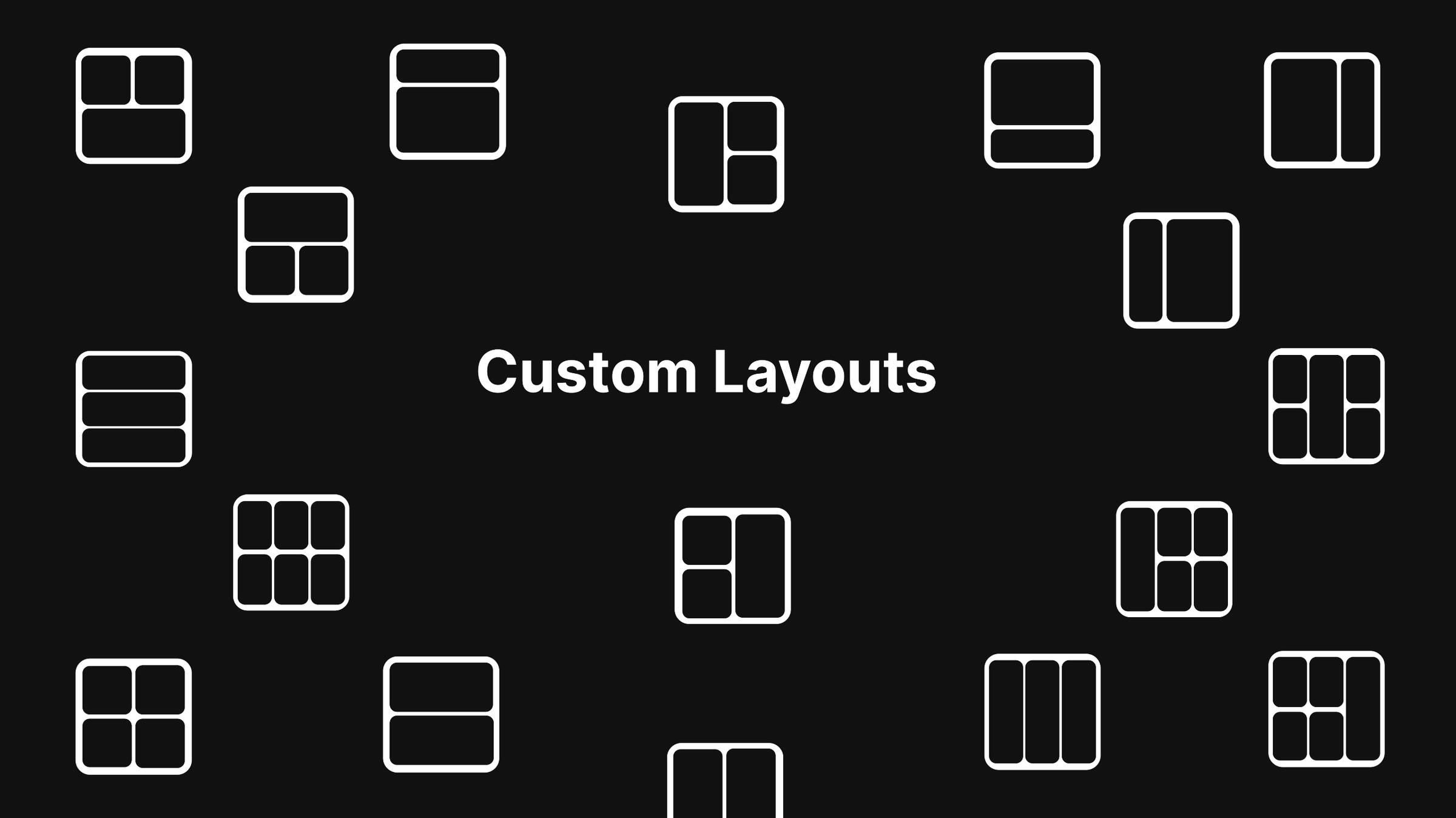
16+ Custom Layouts
With several layout options, you can launch set of apps , browsers or tools just the way you always wanted.
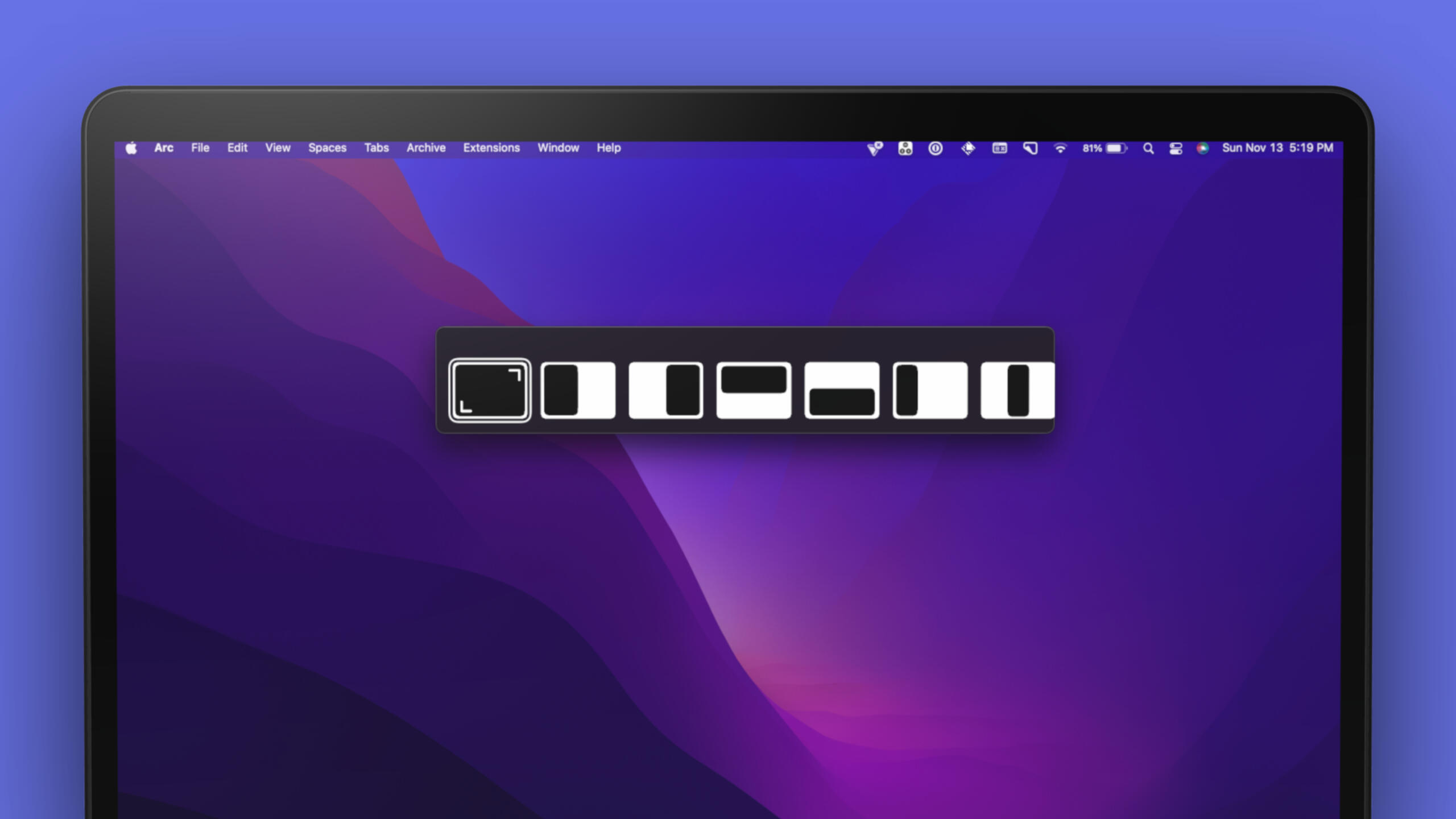
Layout switcher allows you to spontaneously organize windows
Just like an app switcher(CMD+TAB) to switch apps, layout switcher(OPT+TAB) let you switches the layout of your apps
Quick video 🎥
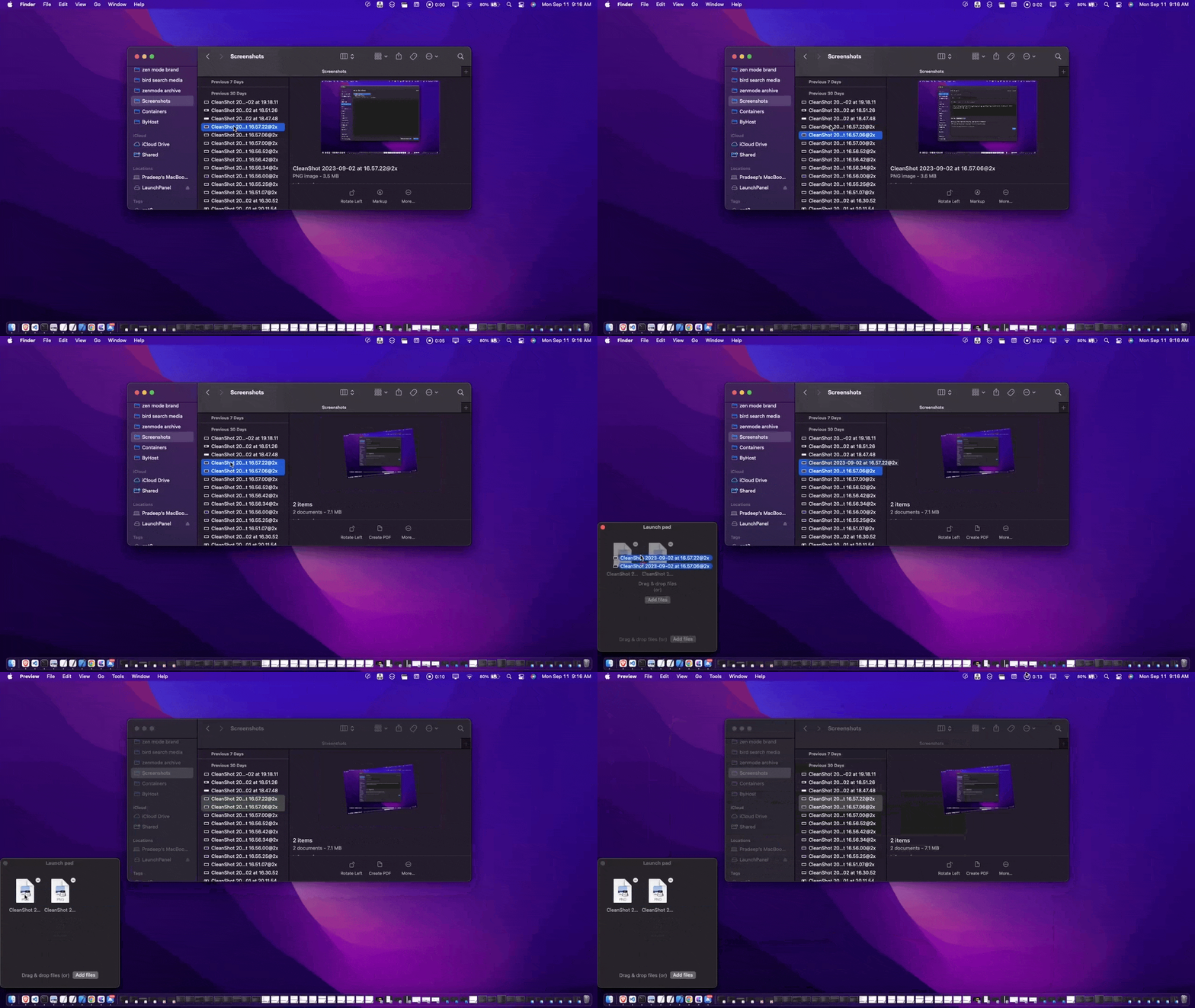
DropPad (Beta)
It is your mini-stash that is quickly accessible at your finger tips anywhere on the macOS. You can add any file - app, txt, folder, pdf, image etc.
Features
Create unlimited spaces of "Workspace" type.
Create unlimited spaces of "Launcher" type.
Supports apps, websites & system apps
*Currently we do not support multiple screens/desktops.
Automate your workspace by connecting your apps, websites and system apps


Create your own space...
Raycast
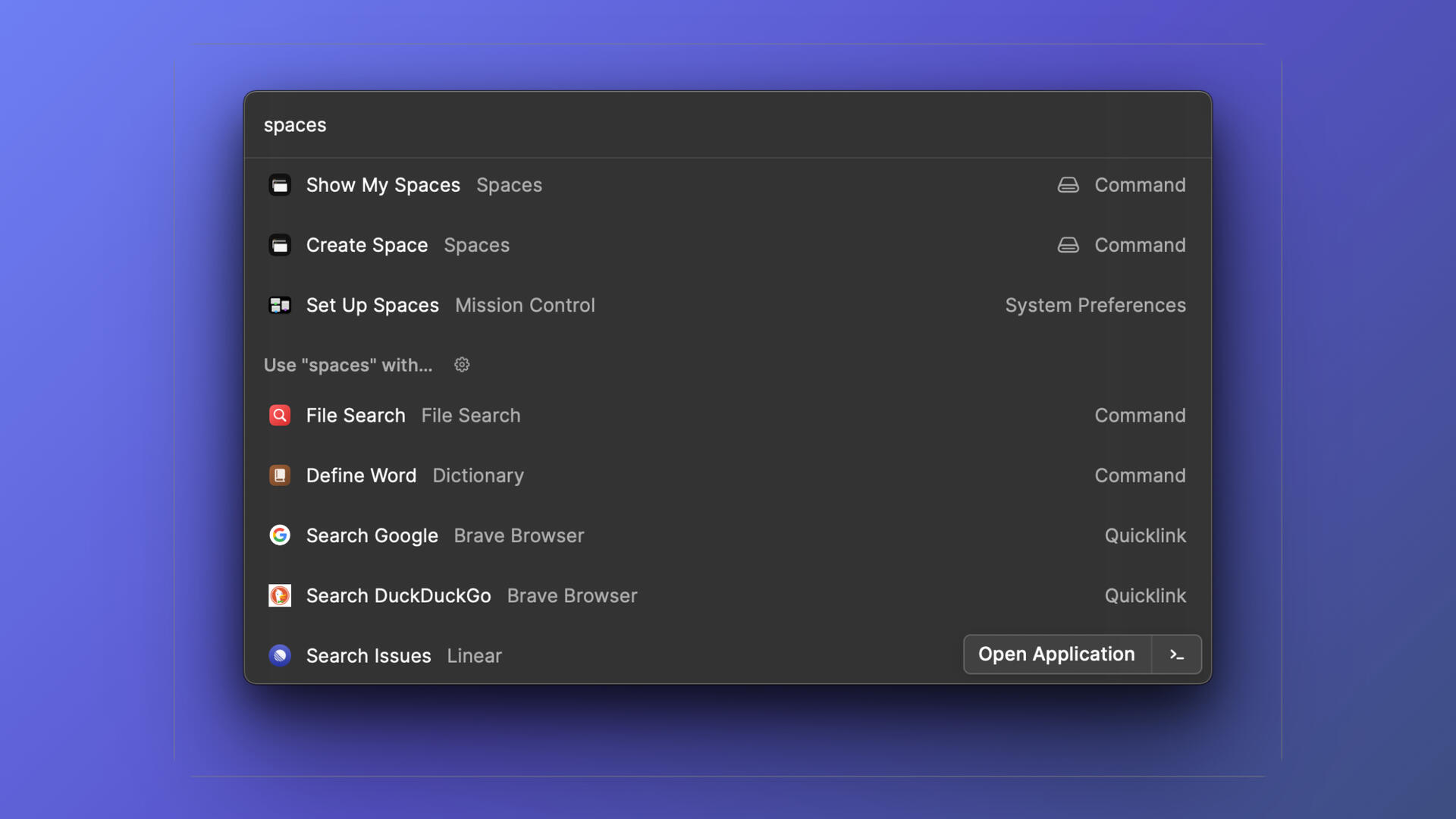
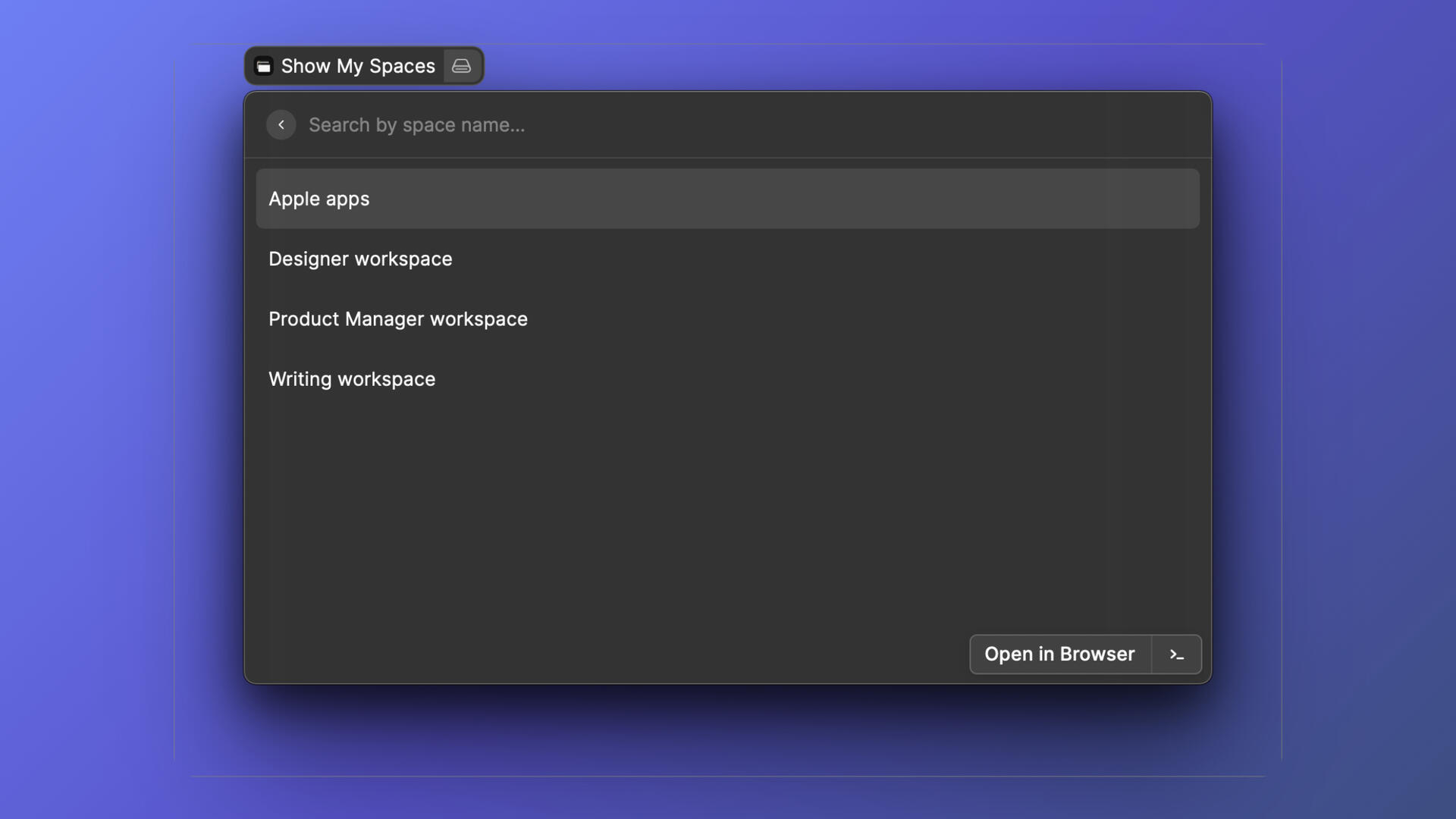

Instructions to use Raycast with Spaces
Install Raycast
Install Spaces extension for Raycast
After installation, open Spaces on Raycast
If you have already spaces created, it should appear otherwise create a space from Space app.
Some of our users that feel productive when using the app

For students(all over the world) & low income countries you can purchase Spaces Pro lifetime license for $6.99 only, request it from chat box.
Pro
---
Unlimited Workspaces
---
Unlimited Launchers
---
16+ Custom Layouts
---
DropPad (Beta)
---
Layout Switcher 🔗
---
Manual Controls
---
Siri Shortcuts
---
Deeplinks support
---
Raycast Integration
---
macOS Monterey(M1) or later
---
1 License per device---
Lifetime updates
---
SALE - 35% OFF
Bundle - 2 apps
---
Includes Spaces app 🔗
---
Includes Zen Mode app 🔗
---
1 license for each app
---
Lifetime updates
---
---
---
---
---
---
---
---
---
---
---
---
---
---
---
---
---
---
SALE - 40% OFF
Bundle - 3 apps
---
Includes Spaces app 🔗
---
Includes Zen Mode app 🔗
---
Includes Writers brew app 🔗
---
1 license for each app
---
Lifetime updates
---
---
---
---
---
---
---
---
---
---
---
---
---
---
---
---
---
---
SALE - 30% OFF
*Refunds are offered for unused or used licenses within 7 days of purchase.
*Lifetime updates are applicable for Spaces & Zen Mode apps. For writers brew please check its lifetime use policy on pricing page.
**Disclaimer:
- Currently we do not support multiple screens/desktops.
Manual controls
Deeplinks
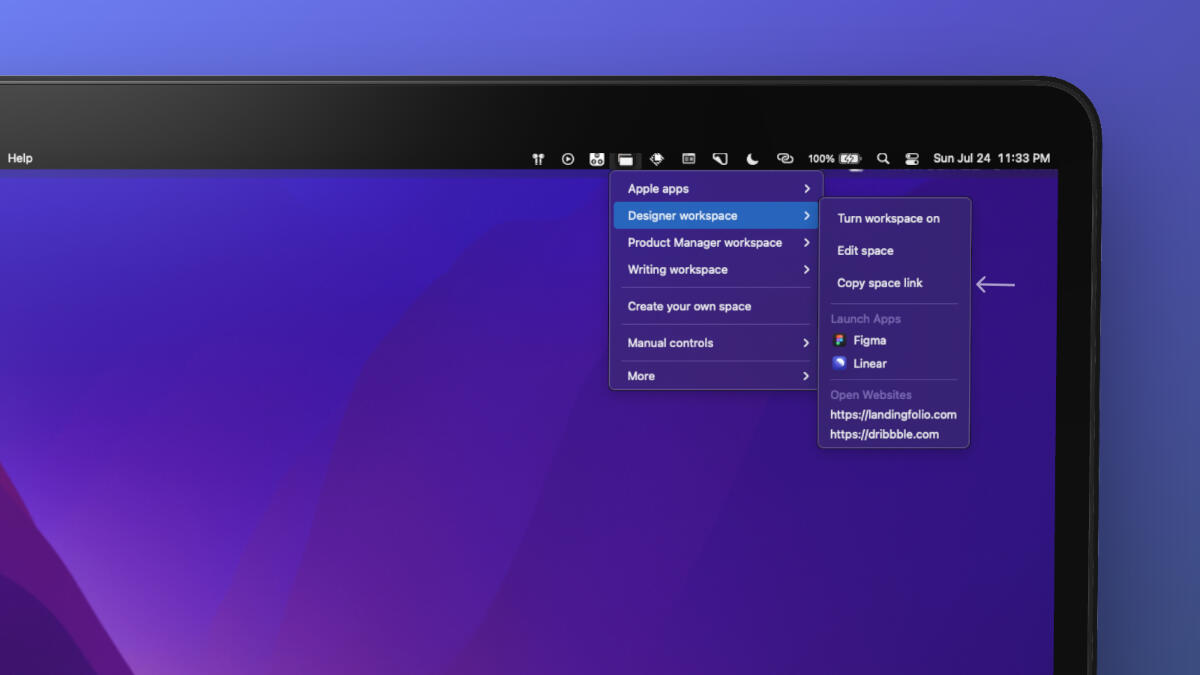
How to setup deeplinks?
1. There is no additional setup needed to create a deeplink, every space has its own deeplink that was autogenerated.2. Hove mouse pointer on any "Space" and click on "Copy space link"3. Use the link in other apps or in shortcuts app.One of the popular use-case:
- When you trigger a shortcut, a space can be activated automagically. (as shown in the above video)
Siri shortcuts
Spotlight search
How to activate or deactivate a "Space" in spotlight search(one time setup)?
Create a shortcut to activate a space
1. Click on "Create shortcut" from any space in app's menu.2. In shortcut app - add name, open app(select "Spaces) and add Open Urls(which has Safari icon)3. Hover mouse pointer on any "Space" and click on "Copy space link" (every spaces comes with its own space link)3. Add the link in the shortcut app and save it.----
Create a shortcut to deactivate a space
1. Click on "Create shortcut" from any space in app's menu.2. In shortcut app - add name, open app(select "Spaces) and add Open Urls(which has Safari icon)3. In "Open Urls", write - "spaces://stop" and save itNote: To deactivate any space, you don't need to create this shortcut for every space, rather one shortcut is enough to stop any space.
Spaces for "Product Managers"
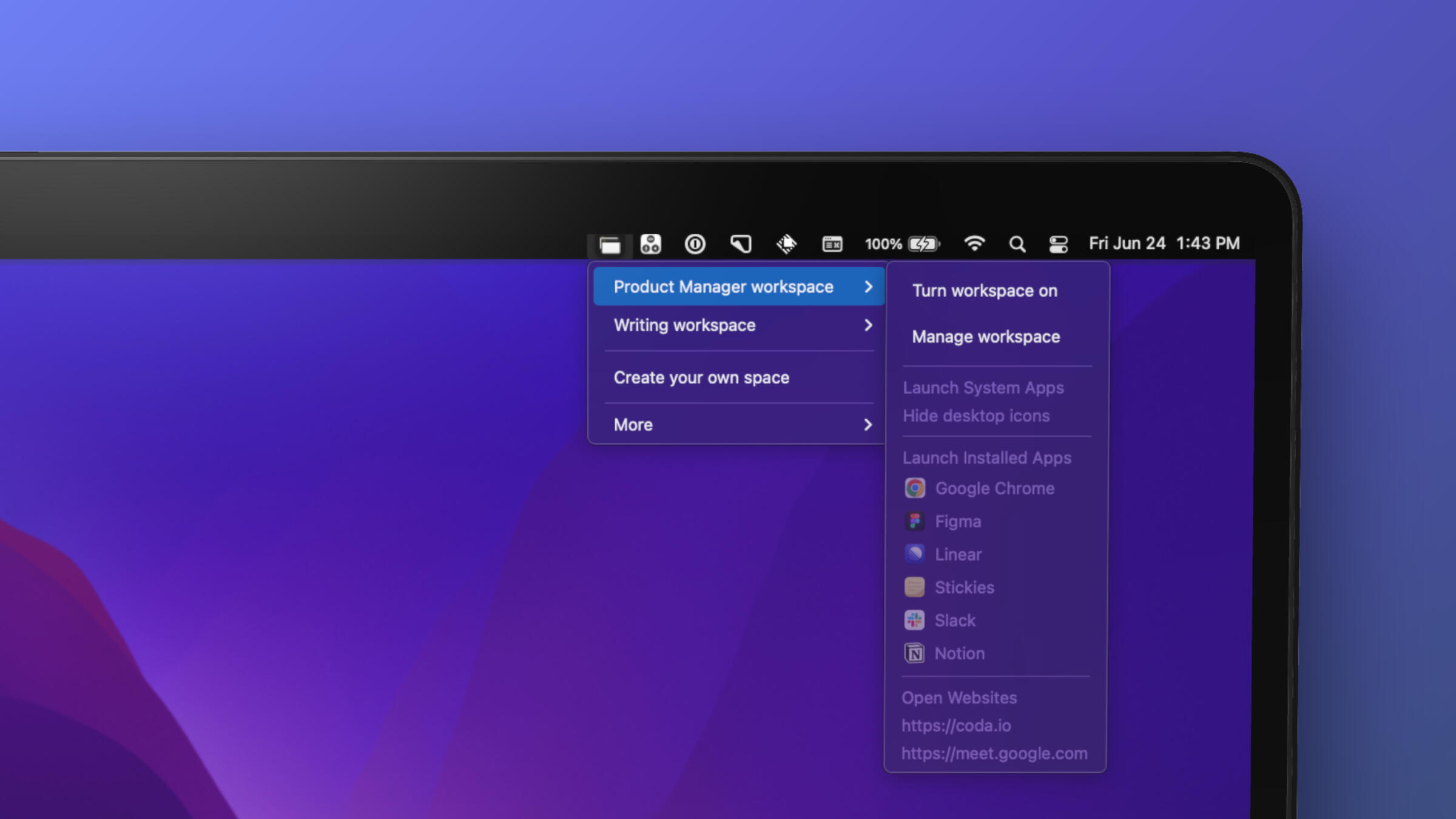
Spaces for "Designers"
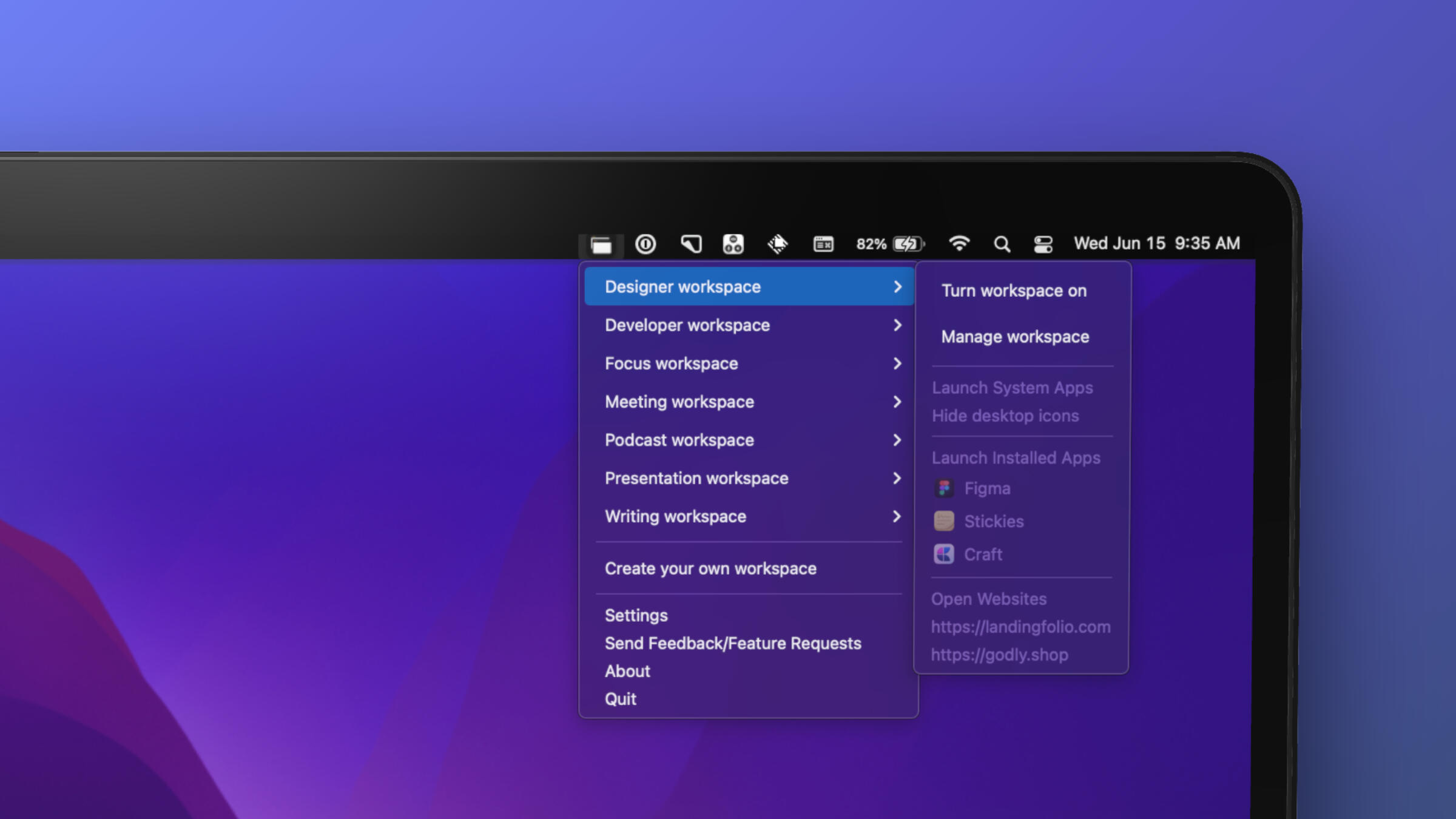
Spaces for "Developers"
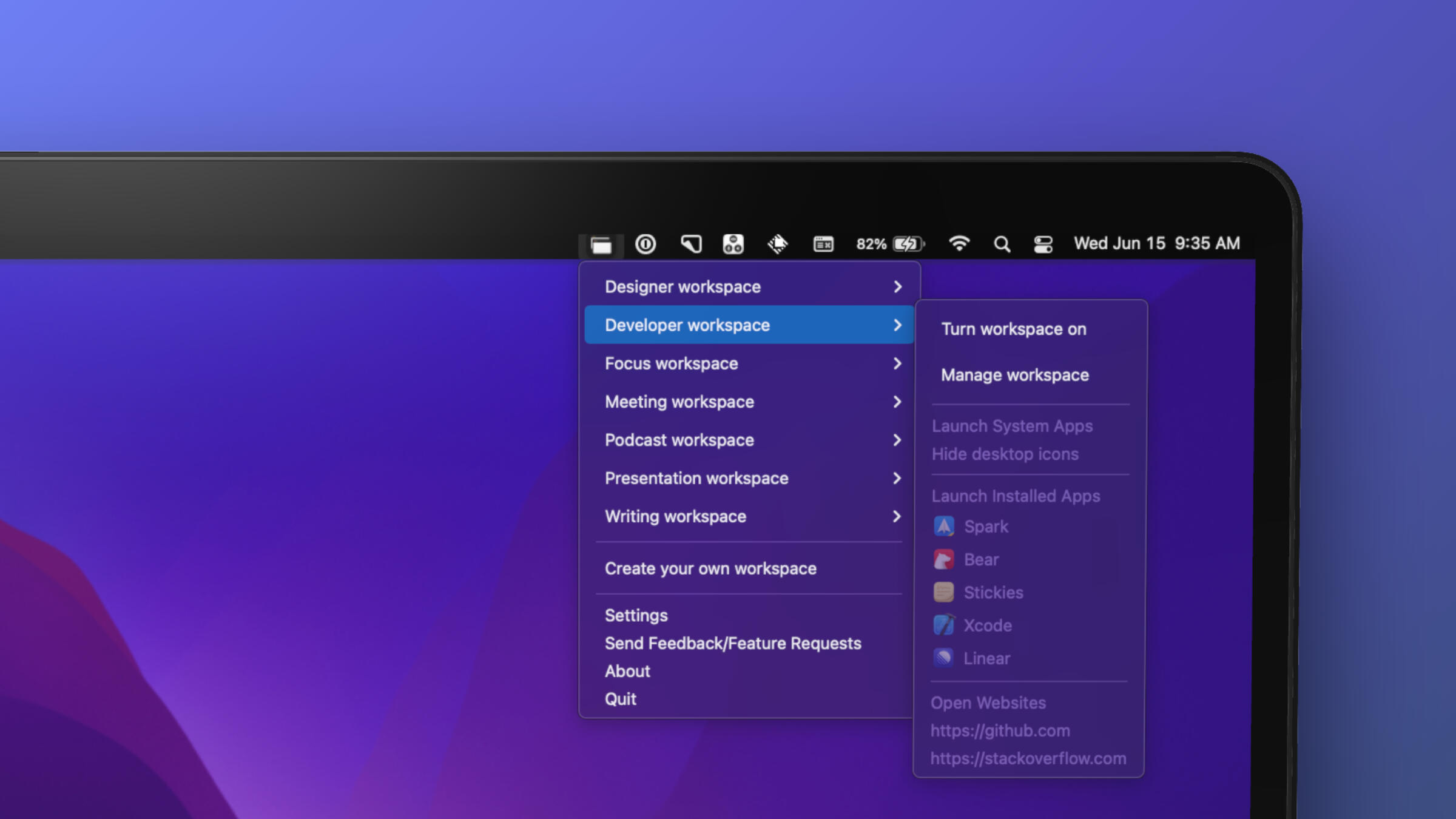
Spaces for "Developers"
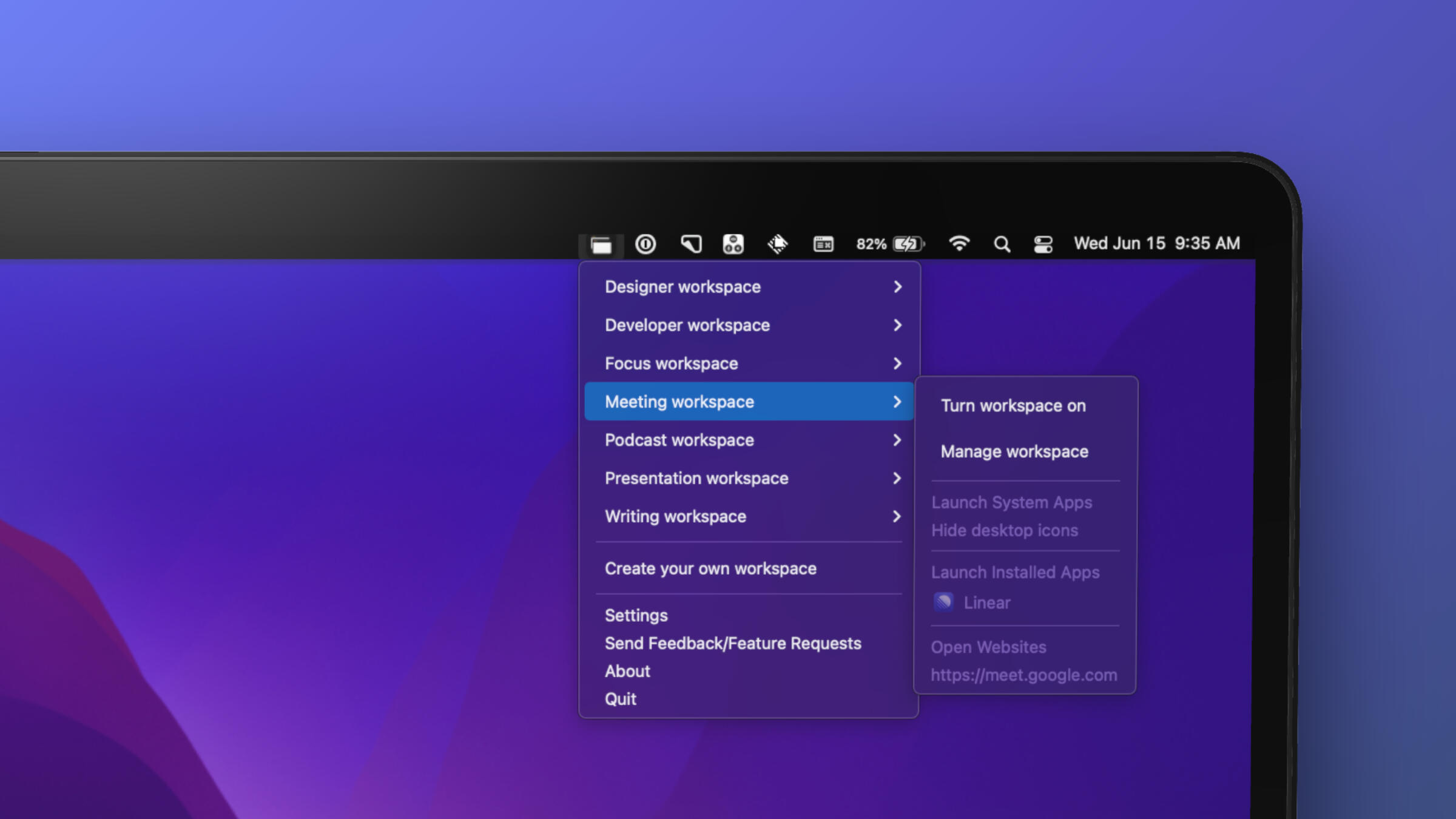
Spaces for "Presentation workspace"
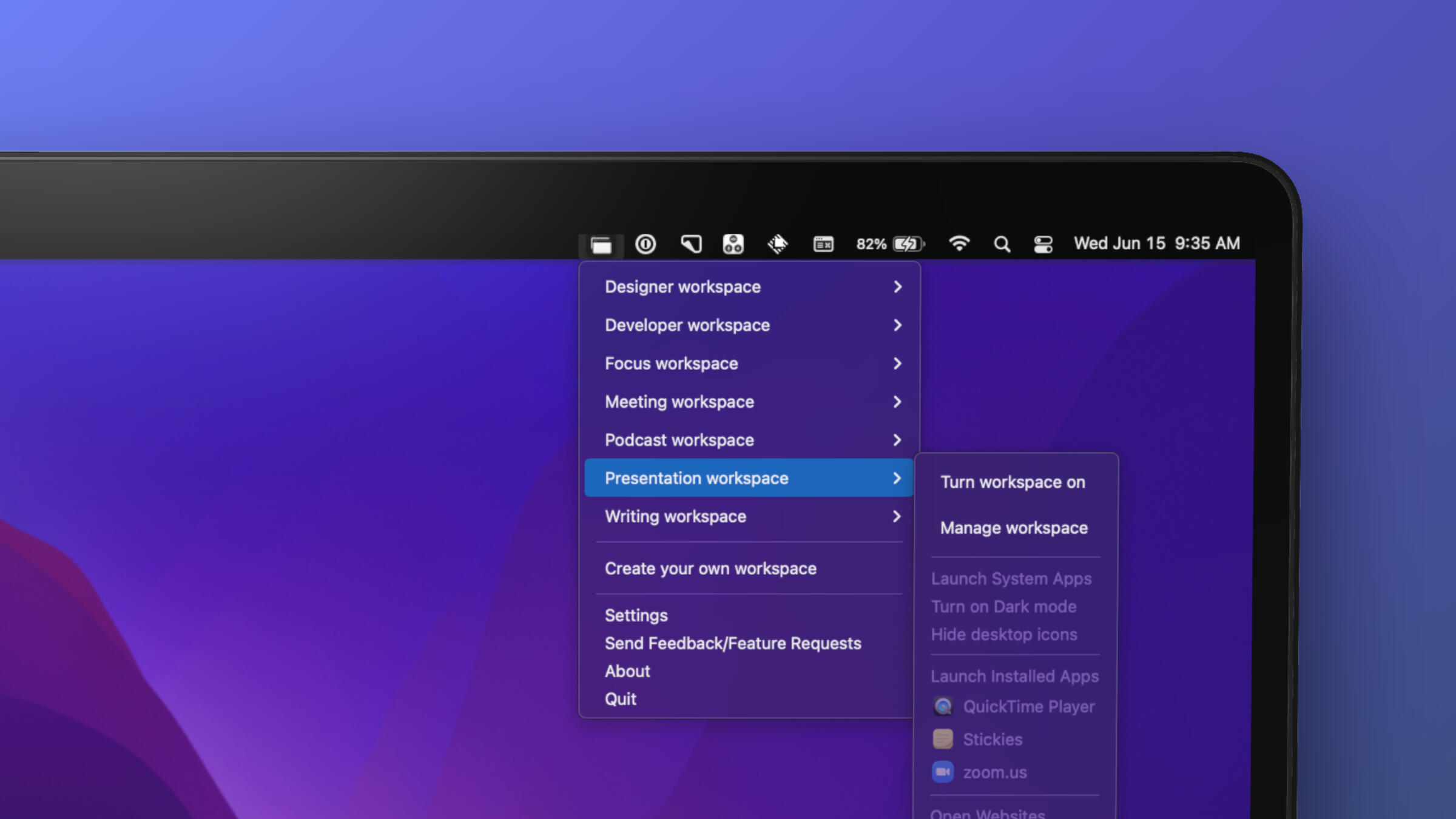
Spaces for "Writing workspace"
Organize your workspace with "Custom Layouts"
We've partnered with Lenny community, if you're a member of the community, you can get 70% off.
------
Spaces X Lenny

How to get the discount?
1. Open Lenny's community on Slack
2. DM @deepu
----
We didn't partner with below apps but just like many users, we're a huge fan of these app. If you've Magnet app or Raycast app we're happy to give you 50% off on Spaces
Spaces X Magnet

How to get the discount?
1. Take a screenshot of magnet app on your laptop
2. Send the screenshot from chatbox on this website
----
Spaces X Raycast
How to get the discount?
1. Take a screenshot of Raycast app on your laptop
2. Send the screenshot from chatbox on this website